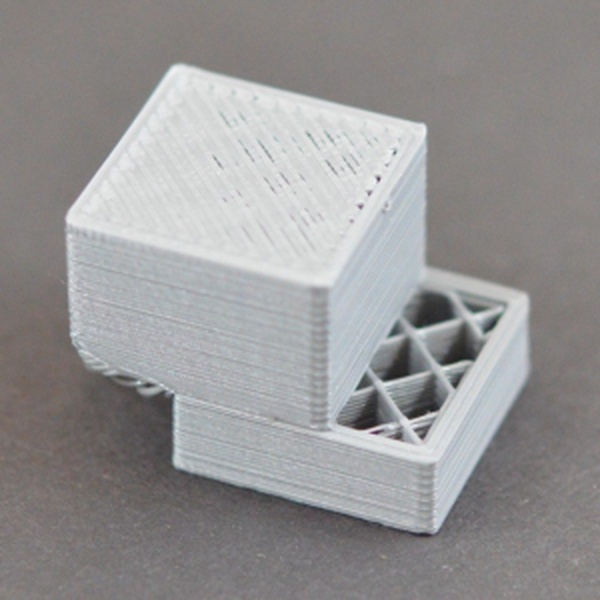
The belt is too loose, the optical axis, the line rail, the print head fixed loose, etc which lead to XY axis to move.
Cause 2: Main board
The drive chip is overheated or the adjustment current is too small, the XY axis motor is overheated or slips out of step, the current should be adjusted according to the motor requirements, and the drive heat dissipation should be strengthened.
Cause 3: Speed
If the speed is too fast, the motor will lose step, so reduce the speed appropriately.
Cause 4: Slicing
Extrusion rate is too high, the printing surface overflows, or the high hanging angle cooling is not good for curling, the nozzle hits the plane and the printing is misaligned. It is recommended to calibrate the extrusion rate or optimize the cooling.